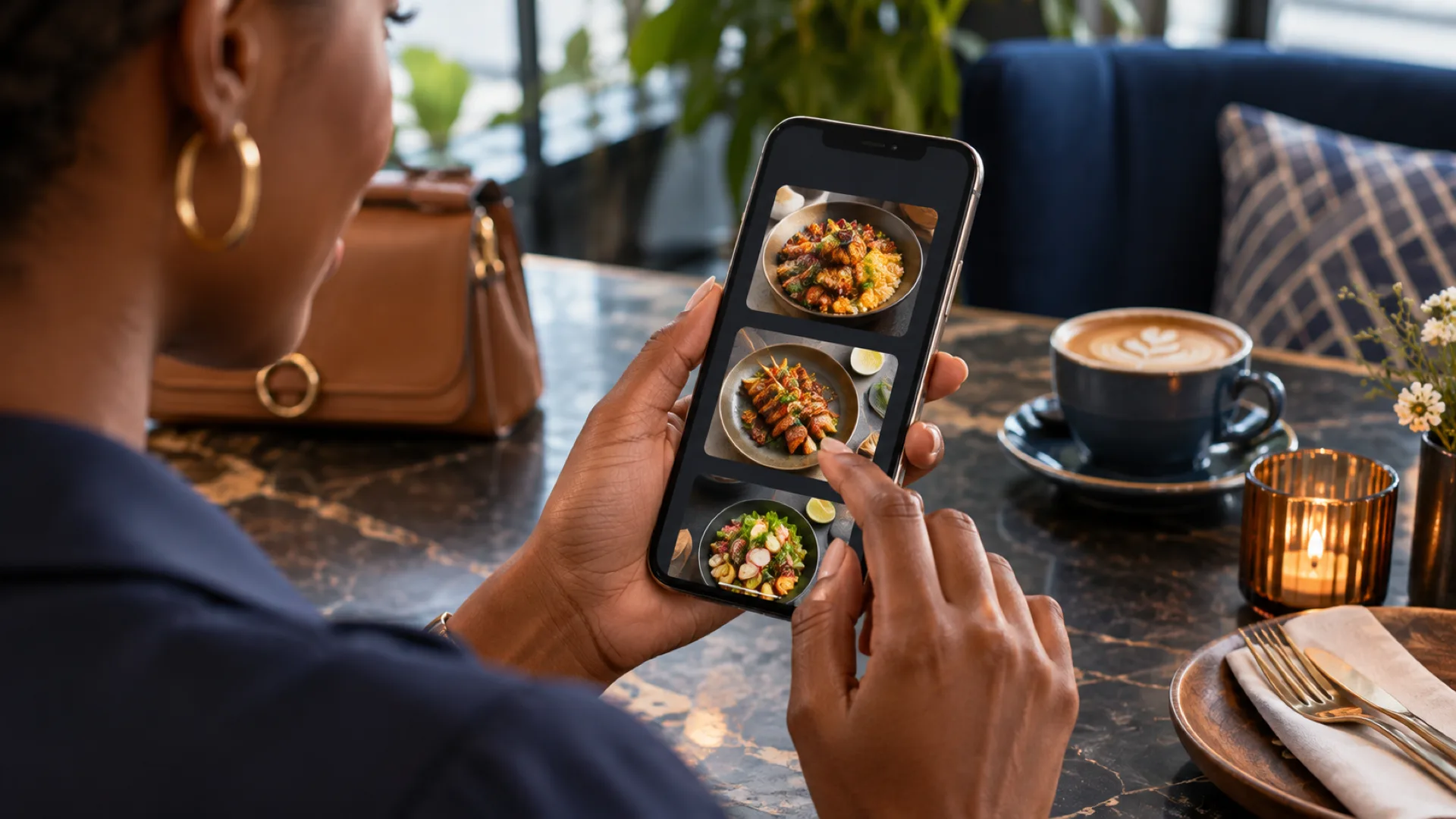
A digital menu should help a customer make a confident choice. Menulyn’s public description includes menu categories, items and add-ons. The restaurant still needs to prepare accurate content and decide who keeps it current during service.
Write menu information for the decision
Use clear dish names and concise descriptions that explain the choice. Keep images representative of the food being offered. Distinguish a required choice from an optional extra, and ensure the resulting price is understandable before the order is submitted.
Keep availability current
Assign responsibility for changing an unavailable item or a revised price. Test the customer-facing result after a change. A menu that is easy to update is useful only if the operational team has a dependable process for making those updates.
Check the mobile journey
Review the menu on a small screen with ordinary customer wording. Long item names, several modifiers and image loading can reveal usability problems. If QR access is used, check the actual destination before printing or distributing the code.
Review the menu as a customer would
Open the menu without staff knowledge and check whether the category names, item descriptions and choices are understandable. An internal shorthand may make sense to the kitchen but confuse a customer. Test a long item name and a choice that changes the price. If a dish becomes unavailable, the update process should be simple enough to use during service. Keep the person responsible for menu accuracy involved in the trial. That connects the digital experience to the actual food and preparation options the restaurant can provide.
What to prepare
For restaurant managers and menu administrators, preparation starts with categories, items, images, modifiers, prices and availability. Choose a small, representative sample that includes a normal case and an exception. Identify the person who can approve each part of that sample. If two colleagues interpret the same record differently, resolve the definition before treating it as an implementation requirement.
- Approved descriptions and images
Collect the relevant information and check it with the person who maintains it. Use an agreed example so the team can identify omissions before the work moves into a larger rollout.
- Modifier and pricing structure
Write down the expected result and who is responsible for it. Include any dependency on another person, device or service, so the requirement can be demonstrated rather than left as an assumption.
- Menu update responsibilities
Include this in the walkthrough with an ordinary user. Record what worked, what needed clarification and what requires a separate decision before the organisation relies on the workflow.
- Mobile and QR destination checks
Assign an owner for the follow-up and keep the outcome with the project notes. Make the information available to the people responsible for operating and supporting the agreed process.
A practical walkthrough
Open a sample menu item with two choices and an optional extra, then mark the item unavailable from the staff workflow. Confirm that the customer view reflects the intended change.
Run the example using the role that would perform the work in practice. Compare the result with the expected outcome and retain the relevant reference or review note. Then repeat the part affected by a correction or handover. A successful walkthrough should leave another authorised colleague able to understand the result without reconstructing a separate conversation.
Questions to discuss
Should every dish have many customisation options?
Only include options the kitchen can fulfil reliably. Too many unclear choices can make ordering harder and increase the chance of preparation questions.
What should we confirm before moving forward?
Confirm the scope for the Menulyn menu experience, the required records and roles, and any setup or integration work. Keep demonstrated functionality separate from requested additions, and agree how unresolved questions will be answered before implementation.
Discuss your next step
Tell us about your team, current process and the outcome you need. We can help you identify the relevant demonstration or service scope.